搜索文档
知识点
- 作用:让父组件在子组件的指定位置插入 HTML 结构,也是一种组件通信方式,适用于父传子。
- 分类:默认插槽,具名插槽,作用域插槽
默认插槽
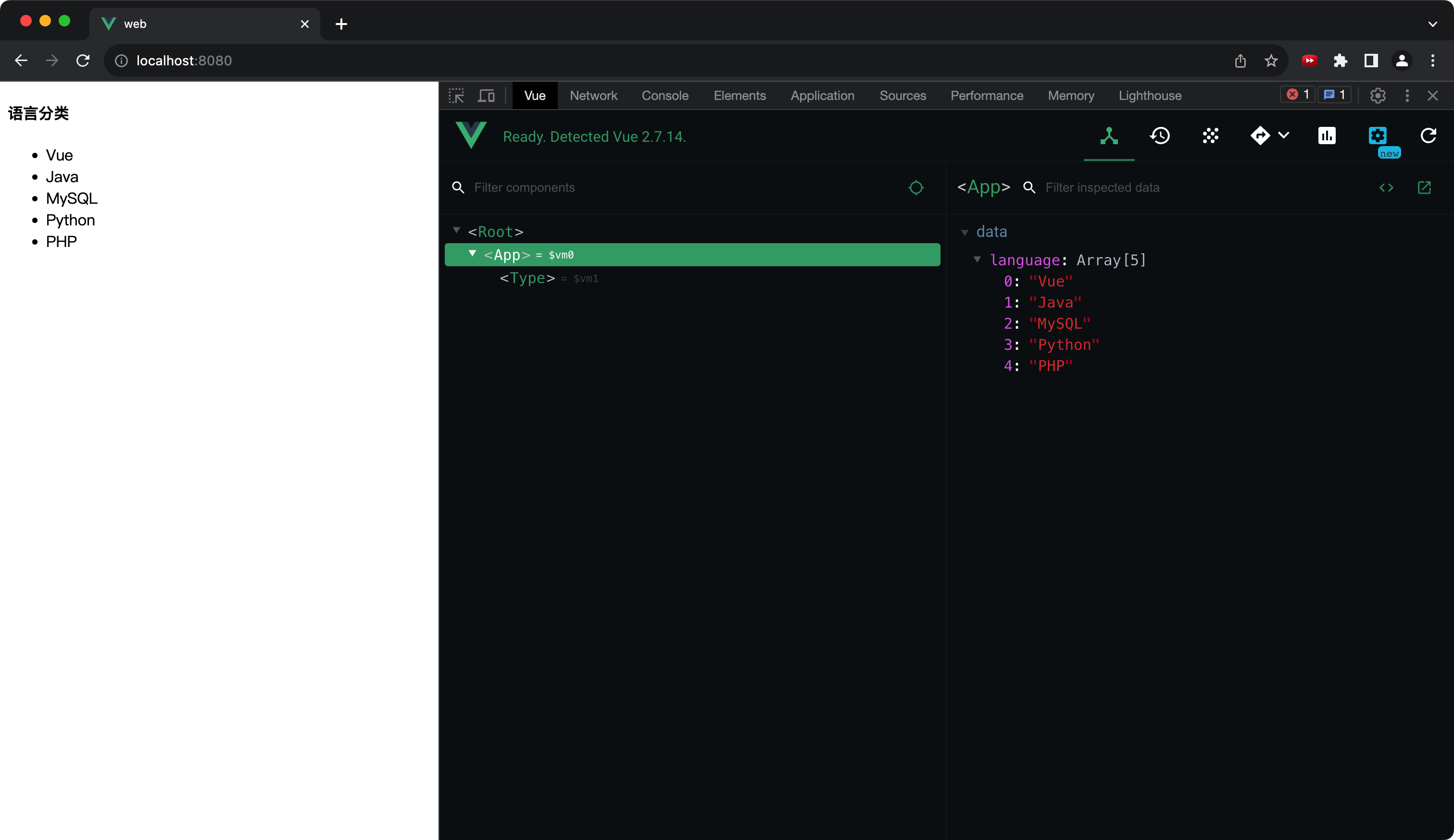
默认插槽是插槽最基本的一种用法,只适用于子组件中仅有一个插槽的这种情况。
父组件中,在子组件标签里直接写 HTML 结构代码。
子组件中,通过
<slot></slot>标签接收 HTML 结构代码。父组件 App.vue
Vue<template> <div> <Type> <ul> <li v-for="(item, index) in language" :key="index">{{item}}</li> </ul> </Type> </div> </template> <script> import Type from './components/Type'; export default { name: 'App', components: {Type}, data() { return { language: ['Vue','Java','MySQL','Python','PHP'] }; }, }; </script>子组件 Type.vue
Vue<template> <div class="type"> <h4>语言分类</h4> <slot></slot> </div> </template> <script> export default { name: 'Type', }; </script>运行结果
具名插槽
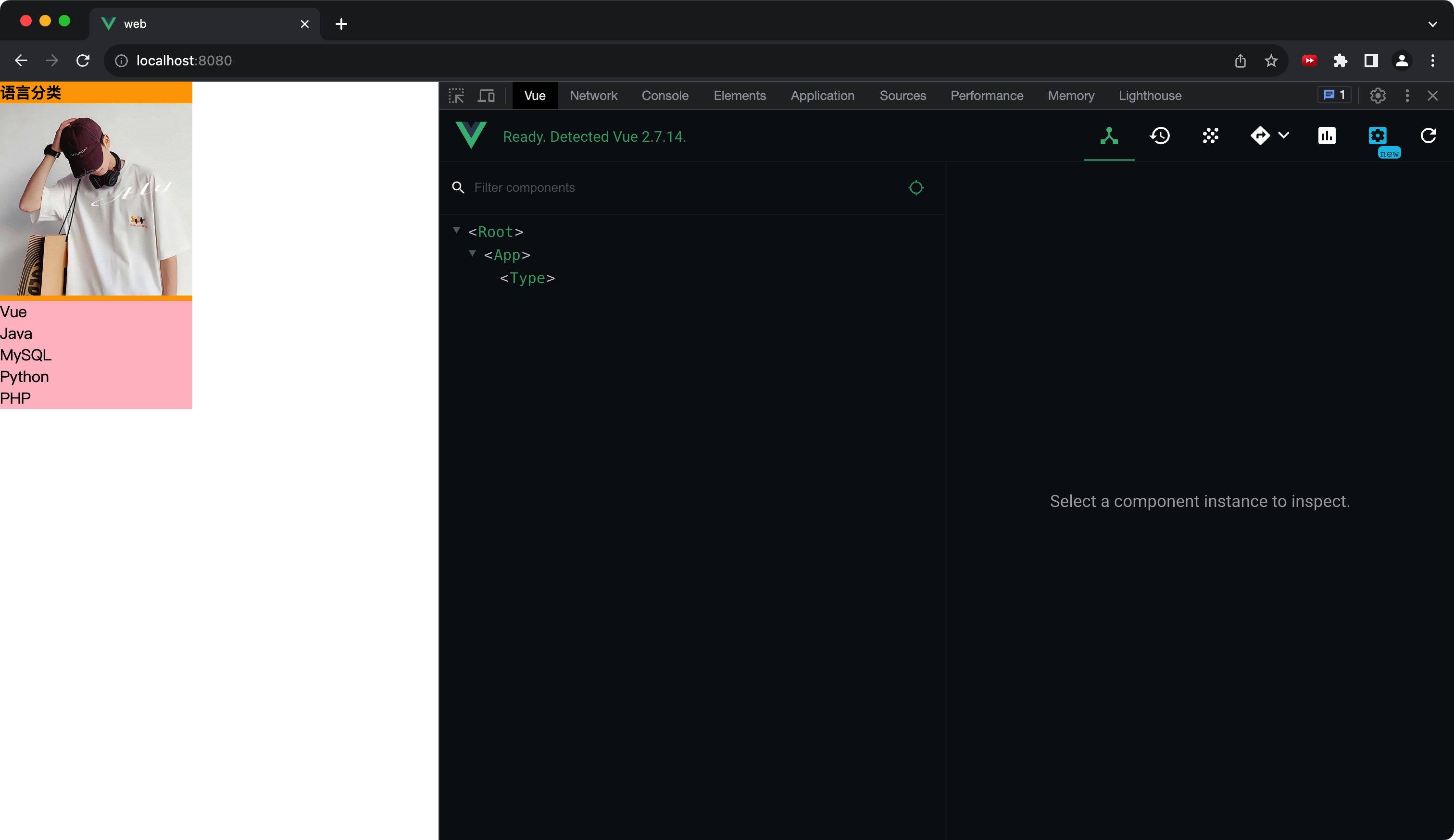
不限制子组件中插槽的数量,在
<slot></slot>标签中用 name 属性区分每个插槽。父组件向子组件插槽中传递数据时,要通过 slot 属性指定插槽的 name
父组件
Vue<template> <div> <Type> <div slot="img"> <img src="https://my71.gitee.io/images/avatar.jpg"> </div> <ul slot="list" class="list"> <li v-for="(item, index) in language" :key="index">{{item}}</li> </ul> </Type> </div> </template> <script> import Type from './components/Type'; export default { name: 'App', components: {Type}, data() { return { language: ['Vue','Java','MySQL','Python','PHP'] }; }, }; </script> <style> * { margin: 0; padding: 0; } img { width: 200px; } .list { background-color: pink; } </style>子组件
Vue<template> <div class="type"> <h4>语言分类</h4> <slot name="img"></slot> <slot name="list"></slot> </div> </template> <script> export default { name: 'Type', }; </script> <style scoped> .type { width: 200px; background-color: orange; } </style>运行结果
作用域插槽
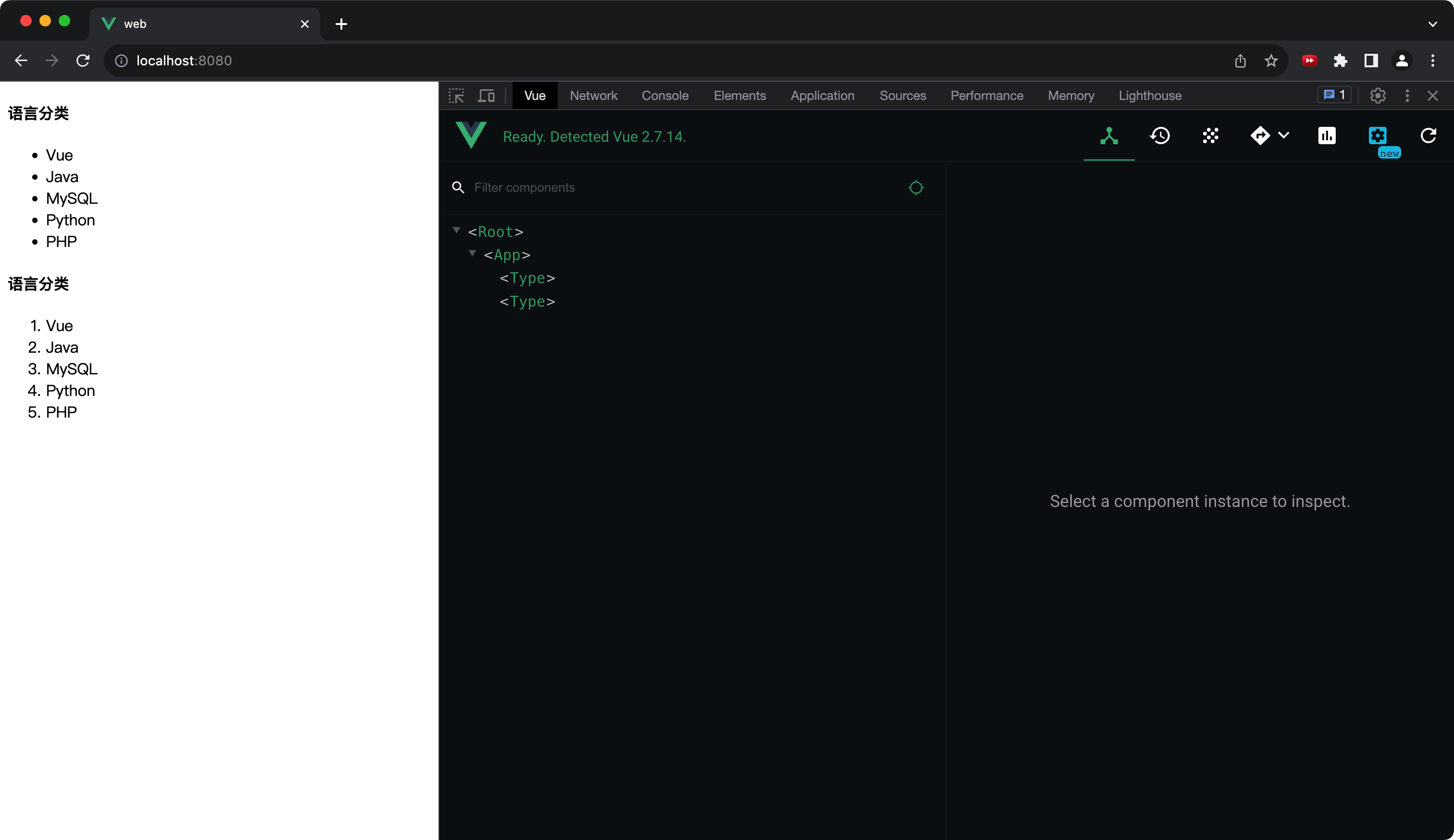
有时数据在子组件身上,需要子组件将数据传给父组件,再由父组件决定子组件插槽中的 HTML 结构。
父组件
Vue<template> <div class="app"> <Type> <template scope="{list}" slot="left"> <ul slot="list"> <li v-for="(item, index) in list" :key="index">{{item}}</li> </ul> </template> </Type> <Type> <template scope="{list}" slot="right"> <ol slot="list"> <li v-for="(item, index) in list" :key="index">{{item}}</li> </ol> </template> </Type> </div> </template> <script> import Type from './components/Type'; export default { name: 'App', components: {Type}, }; </script>子组件
Vue<template> <div class="type"> <h4>语言分类</h4> <slot :list="language" name="left"></slot> <slot :list="language" name="right"></slot> </div> </template> <script> export default { name: 'Type', data() { return { language: ['Vue','Java','MySQL','Python','PHP'] }; }, }; </script>