搜索文档
安装 json-server 包
sh
npm i json-server
创建数据源
在项目目录中创建一个
.json的文件,文件名随意,这里小编创建的是db.json。编辑
db.jsonjson{ "posts": [ { "id": 1, "title": "json-server", "author": "typicode" } ], "comments": [ { "id": 1, "body": "some comment", "postId": 1 } ], "profile": { "name": "typicode" } }
配置文件
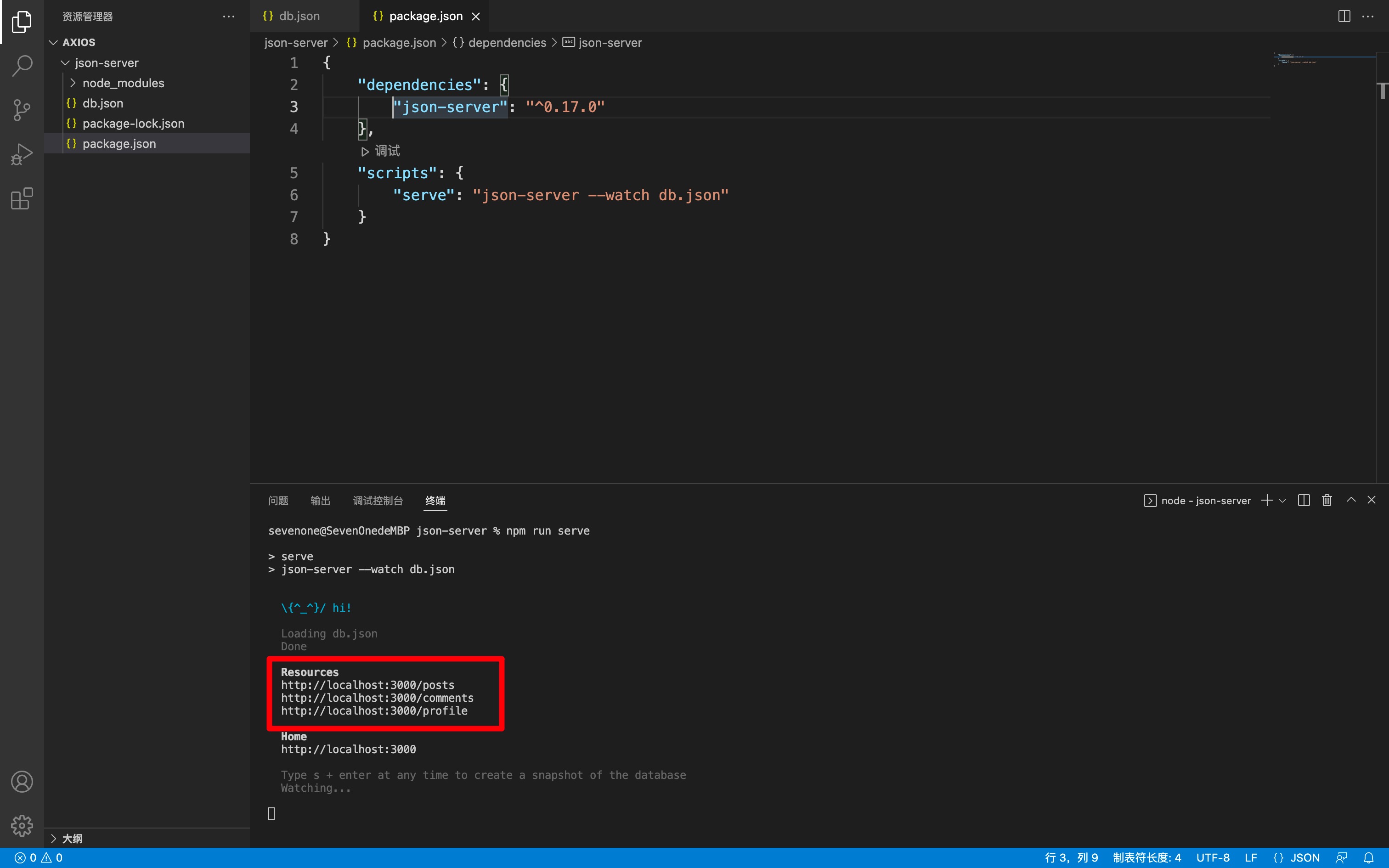
修改根目录下的 package.json 文件,在文件底部加一个启动脚本(这里为了同步 Vue,脚本的名字为 serve)
json
{
	"dependencies": {
		"json-server": "^0.17.0"
	},
	"scripts": {
		"serve": "json-server --watch db.json"
	}
}启动服务
在控制台执行
shnpm run serve测试服务,使用浏览器访问下面这几个都可以。直接访问相当于 GET 请求,会返回相应的数据。